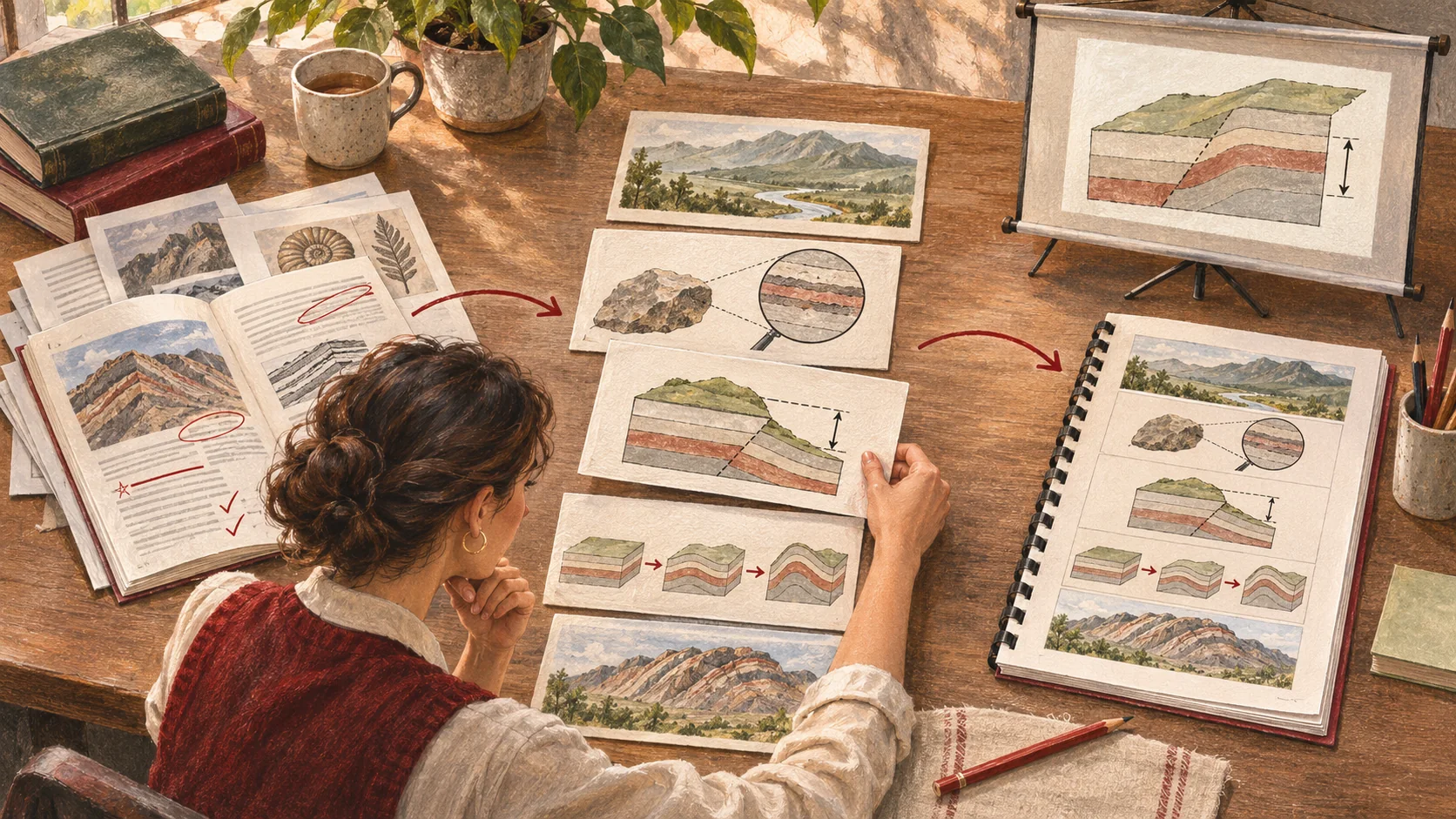
There is already a textbook on the desk, a set of reference slides, and a few pages of supplementary reading. It is no small amount of content—and yet tomorrow's lesson is still not ready.
Which concept should come first? Which diagram actually helps explain the idea? And when students look at the page, what notes should the teacher keep close at hand?
Turning materials into teaching still requires a series of choices. Between late October and early November 2026, EvoClass Studio gradually brought materials, outlines, courseware, teaching illustrations, and exports together into a single production workflow. This article reviews the feature updates through November 5; the production and export options available to you are determined by the Studio entry point in your account.
Step one: turning materials into a structure you can judge
The order of material in a source document is not necessarily the order in which it should be taught. A complete set of chapters does not mean every page is suitable for projecting directly.
Studio supports uploading materials such as PDF, DOCX, and PPTX files, extracting readable text from them, and then using that text for later organization. "Reading" here has limits: a scanned image is not the same as text that has been recognized, older file formats may need to be converted first, and the materials themselves are still worth checking by hand.
Outlines let this checking happen earlier. Teachers can review the teaching sequence, lesson pacing, and key points first, then confirm before moving into further production. Compared with discovering only after a full set of pages is finished that the structure doesn't work, this checkpoint gives teachers an earlier opportunity to step in and make judgments.
After generation, teachers still need room to revise
A page that looks tidy does not mean it suits your students.
Sometimes an example needs to be replaced, sometimes an overly advanced derivation needs to be cut, and sometimes it is simply a matter of making the title clearer. Studio keeps preview, page editing, and courseware organization within the same project, so teachers can keep revising around existing results instead of describing their requirements from scratch each time.
This round of updates also added capabilities related to teaching illustrations and diagrams. Images should serve explanation, and diagrams should help readers understand relationships; generated results still need to be checked for labels, meaning, factual accuracy, and correspondence with the body text. A diagram that looks complete should not bypass teaching judgment.
Courseware you can present, and materials you can bring into class
What teachers need for a lesson is often more than a single projection file.
Students see clean pages, while the teacher may also need talking points, transition questions, and supplementary explanations. For this reason, in addition to the courseware itself, this stage also refined ways of organizing teaching handouts, lecture notes, and course packages.
Studio's export options cover results including PowerPoint, PDF, Word outlines, Word or PDF handouts, and course packages. Which one to choose should depend on the purpose: projecting in class, printing for lesson preparation, checking the teaching structure, or continuing to use the content in an EvoClass course.
Export formats also differ in practical ways. Current courseware PowerPoint export mainly uses full-page images to preserve the appearance of each page; it should not be understood as meaning that all text, charts, and layout elements can be edited individually in PowerPoint. When courseware content needs to be adjusted, it is best to return to the Studio project to make the changes.
Save time for the questions that deserve more judgment
This round of Studio updates places many production steps into a continuous workflow, but it does not remove teachers from that workflow. Whether the materials are reliable, whether the order is appropriate, whether the examples are easy to understand, and whether the diagrams are accurate still require human decisions.
If your account has Studio access, you can log in to EvoClass and look for the corresponding entry point. You don't need to start with a complex, full-scale course: choose a short section of material, judge the outline first, then check a few generated pages, and finally compare the exported results against the preview.
Whether tomorrow's lesson is ready ultimately comes back to one concrete question: with these materials in hand, can you explain this particular piece of knowledge clearly—and catch the questions students ask next?